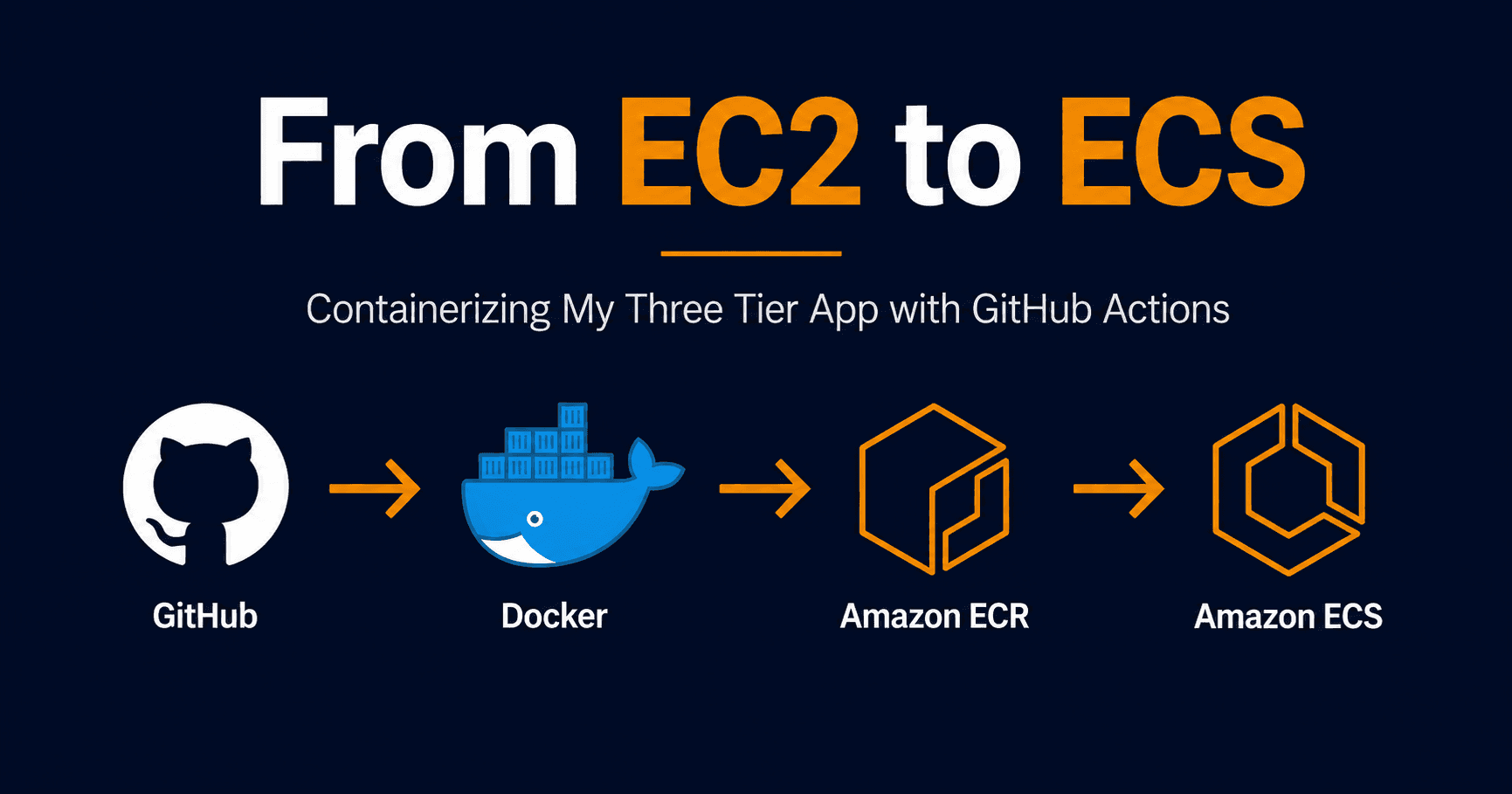
My three tier architecture had a problem. The app server was a plain EC2 instance sitting in a private subnet doing absolutely nothing. No application running on it. No way to deploy to it without SSHing in manually. That is not how modern infrastructure works.
So I containerized the app, pushed it to ECR, deployed it to ECS Fargate, and wired up a GitHub Actions pipeline that handles every deployment automatically. Here is how it went.
The App
I kept the application simple on purpose. The goal was never to build a complex application. The goal was to prove the full deployment pipeline works end to end. A Node.js Express API with two endpoints:
const express = require('express')
const app = express()
const port = 3000

app.get('/', (req, res) => {
  res.json({ message: 'Welcome to Three Tier App' })
})

app.get('/health', (req, res) => {
  res.json({ status: 'ok' })
})

app.listen(port, () => {
  console.log(`App listening on port ${port}`)
})
The health endpoint matters more than the root endpoint. ECS uses it to determine whether the container is healthy and ready to serve traffic. If health checks fail the task gets killed and restarted.
The Dockerfile
GitHub Copilot suggested a multi stage build and it was the right call:
FROM node:22-alpine AS deps

WORKDIR /app

COPY package*.json ./
RUN npm ci --omit=dev && npm cache clean --force

FROM node:22-alpine AS runtime

ENV NODE_ENV=production
WORKDIR /app

COPY --from=deps /app/node_modules ./node_modules
COPY index.js ./
COPY package.json ./

USER node

EXPOSE 3000

CMD ["node", "index.js"]
Two stages. The first stage installs dependencies. The second stage is the actual runtime image and only copies what it needs from the first stage. Build tools and npm cache never make it into the final image. Smaller image, faster pulls, better security.
USER node runs the process as a non root user. If the container gets compromised an attacker does not get root access to the underlying system.
The Architecture
Before writing any Terraform, it helps to understand what ECS actually needs:
Cluster — a logical boundary for your tasks. Think of it as the environment.
Task Definition — a blueprint. It tells ECS which image to run, how much CPU and memory to give it, which port to expose, and how to check if the container is healthy.
Service — keeps your task running. If the container crashes the service restarts it. You define how many copies should be running at any time.
Fargate — the launch type. Instead of managing EC2 instances as worker nodes, Fargate handles the underlying infrastructure. You only think about the container.
Execution Role — an IAM role that gives ECS permission to pull your image from ECR and write logs to CloudWatch.
Terraform for ECS
I added an ECS module to my existing three tier infrastructure:
resource "aws_ecs_cluster" "main" {
  name = "three-tier-app-cluster"
}

resource "aws_ecs_task_definition" "app" {
  family                   = "three-tier-app-task"
  network_mode             = "awsvpc"
  requires_compatibilities = ["FARGATE"]
  cpu                      = "256"
  memory                   = "512"
  execution_role_arn       = aws_iam_role.ecs_execution_role.arn

  container_definitions = jsonencode([
    {
      name      = "app-container"
      image     = var.ecr_repository_url
      essential = true
      portMappings = [
        {
          containerPort = 3000
          protocol      = "tcp"
        }
      ]
      healthCheck = {
        command     = ["CMD-SHELL", "wget -q -O /dev/null http://localhost:3000/health || exit 1"]
        interval    = 30
        timeout     = 5
        retries     = 3
        startPeriod = 10
      }
      logConfiguration = {
        logDriver = "awslogs"
        options = {
          "awslogs-group"         = "/ecs/three-tier-app"
          "awslogs-region"        = "us-east-2"
          "awslogs-stream-prefix" = "ecs"
        }
      }
    }
  ])
}

resource "aws_ecs_service" "app" {
  name            = "three-tier-app-service"
  cluster         = aws_ecs_cluster.main.id
  task_definition = aws_ecs_task_definition.app.arn
  desired_count   = 1
  launch_type     = "FARGATE"

  network_configuration {
    subnets         = [var.private_subnet_id]
    security_groups = [var.ecs_sg_id]
  }
}
The Errors
Two things broke and both were worth understanding.
Exit code 255 with no logs
The container kept exiting with code 255 and there was nothing in CloudWatch to explain why. The task definition had no logging configuration so ECS was swallowing all the output.
Added CloudWatch logging to the container definition and the actual error became visible immediately.
exec format error
exec /usr/local/bin/docker-entrypoint.sh: exec format errorI built the Docker image on a Mac with Apple Silicon which uses ARM architecture. ECS Fargate runs on AMD64. The image architecture did not match the platform and the container could not start.
The fix is building with an explicit platform flag:
docker buildx build --platform linux/amd64 -t three-tier-app .This is easy to miss when developing locally on a Mac. The container runs fine locally and only fails when deployed to ECS.
The Assumption That Was Wrong
I assumed ECS would automatically pick up a new image when I pushed to ECR. Push a new image with the latest tag, ECS detects it, redeploys. That is not how it works.
ECS pins to the exact image digest that was running when the task started. Even if you push a new latest tag to ECR, the running task keeps using the old image until you explicitly trigger a new deployment.
This is actually intentional. You do not want your production containers randomly restarting because someone pushed a new image. You want deployments to be deliberate and controlled.
The way to trigger a new deployment is:
aws ecs update-service --cluster three-tier-app-cluster \
  --service three-tier-app-service \
  --force-new-deployment
Which is exactly what the GitHub Actions pipeline automates.
The GitHub Actions Pipeline
The pipeline lives in .github/workflows/deploy.yml and triggers on every push to main:
name: Deploy to ECS

on:
  push:
    branches:
      - main

env:
  AWS_REGION: us-east-2
  ECR_REPOSITORY: three-tier-app
  ECS_CLUSTER: three-tier-app-cluster
  ECS_SERVICE: three-tier-app-service

jobs:
  deploy:
    name: Build and Deploy
    runs-on: ubuntu-latest

    steps:
      - name: Checkout code
        uses: actions/checkout@v4

      - name: Configure AWS credentials
        uses: aws-actions/configure-aws-credentials@v4
        with:
          aws-access-key-id: ${{ secrets.AWS_ACCESS_KEY_ID }}
          aws-secret-access-key: ${{ secrets.AWS_SECRET_ACCESS_KEY }}
          aws-region: ${{ env.AWS_REGION }}

      - name: Login to Amazon ECR
        id: login-ecr
        uses: aws-actions/amazon-ecr-login@v2

      - name: Build, tag, and push image to ECR
        env:
          ECR_REGISTRY: ${{ steps.login-ecr.outputs.registry }}
          IMAGE_TAG: ${{ github.sha }}
        run: |
          docker buildx build --platform linux/amd64 \
            -t $ECR_REGISTRY/$ECR_REPOSITORY:$IMAGE_TAG \
            -t $ECR_REGISTRY/$ECR_REPOSITORY:latest \
            --push .

      - name: Deploy to ECS
        run: |
          aws ecs update-service \
            --cluster ${{ env.ECS_CLUSTER }} \
            --service ${{ env.ECS_SERVICE }} \
            --force-new-deployment \
            --region ${{ env.AWS_REGION }}
Each image gets tagged twice. Once with the git commit SHA for traceability and once with latest for convenience. If something goes wrong you can identify exactly which commit is running in production.
AWS credentials are stored as GitHub secrets and never appear in the workflow file.
Verifying It Works
The app is running in a private subnet with no public IP. Without an Application Load Balancer there is no public URL to hit. But two things confirm everything is working.
CloudWatch logs show the app started successfully:
App listening on port 3000And the ECS console shows the task as running and healthy with a recent timestamp after every pipeline run.
The pipeline going green means the image built, pushed to ECR, and ECS started a new deployment. CloudWatch logs confirm the new container came up healthy.
What Is Next
The app is running but invisible. The next step is adding an Application Load Balancer to expose it publicly. The ALB sits in the public subnet, accepts traffic from the internet, and forwards it to the ECS task in the private subnet.
Once that is in place the full URL will be accessible and the three tier story is complete.